
HTTP Mock Proxy
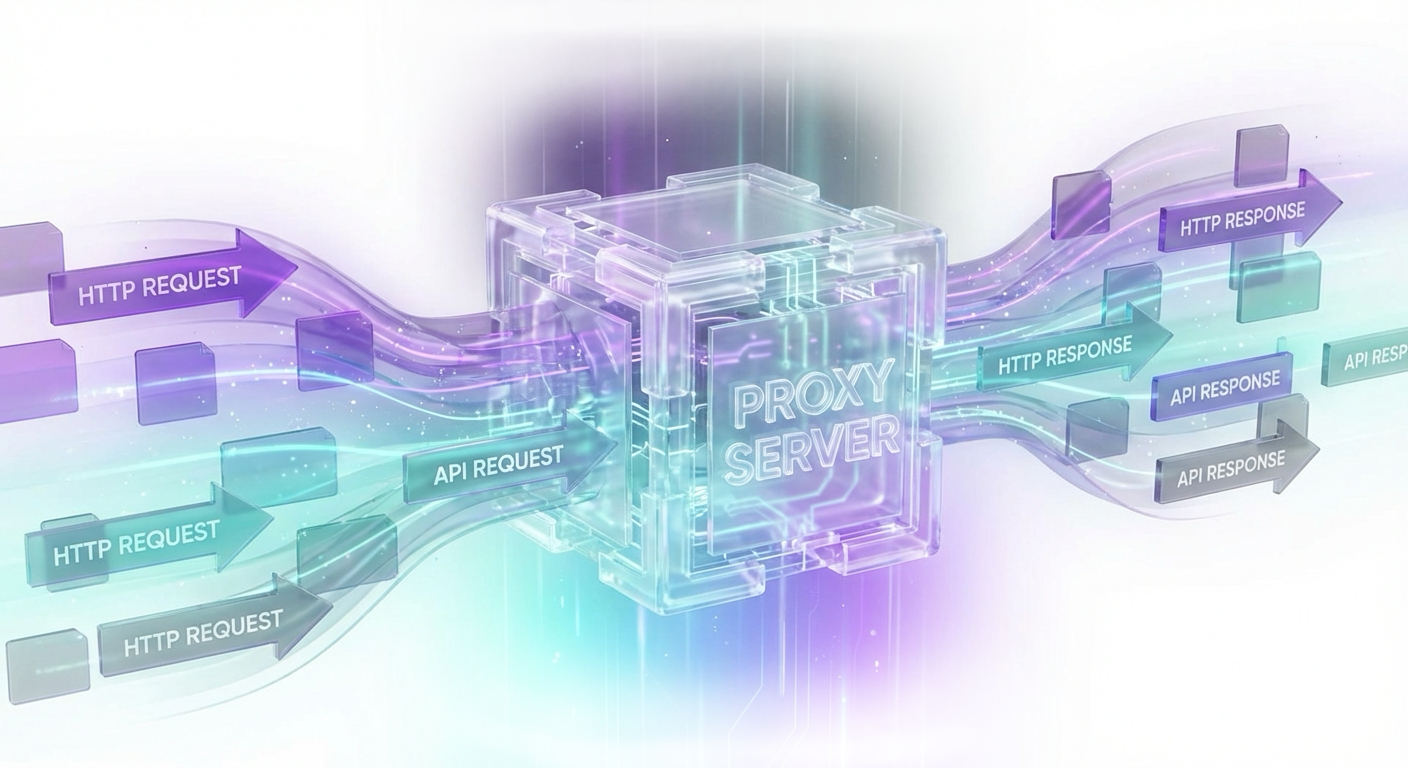
Tmock is an open-source HTTP testing mock proxy developed by Laposa to simplify and scale integration testing across complex, API‑driven systems. Instead of hard‑coding mocks in test suites or standing up ad‑hoc stub services, Tmock sits transparently between clients and backend APIs, proxying traffic and selectively modifying responses based on configurable rules. Different users, devices, or environments can receive tailored mock responses without changing client code or backend services.
- Licence|Open Source
- Technology|Node.js · TypeScript · Vue.js · Vuetify
- Status|Supported 2024 - 2026
The Challenge
Modern applications are composed of many internal and third‑party APIs. Teams face recurring challenges.
- Unreliable upstreams – Third-party APIs may be slow, rate-limited, incomplete in staging, or simply unavailable when needed for testing.
- Difficult-to-reproduce edge cases – Testing failure paths (timeouts, 5xx responses, malformed payloads) in a controlled, repeatable way is hard with live dependencies.
- Environment complexity – Different testers, CI pipelines, and devices require different behaviors, but replicating and maintaining multiple mock setups is costly.
- Tight coupling in tests – Traditional mocks are embedded in code or test frameworks, which makes them brittle and hard to share across teams and tools.
Laposa needed a way to:
- Keep test environments realistic by using live or near-live APIs.
- Introduce mock behavior only where needed, without code changes.
- Support multiple teams, users, and environments concurrently with different mock rules.
- Make configuration accessible via a GUI rather than only code or config files.
- These needs led to the creation of Tmock.
The Solution
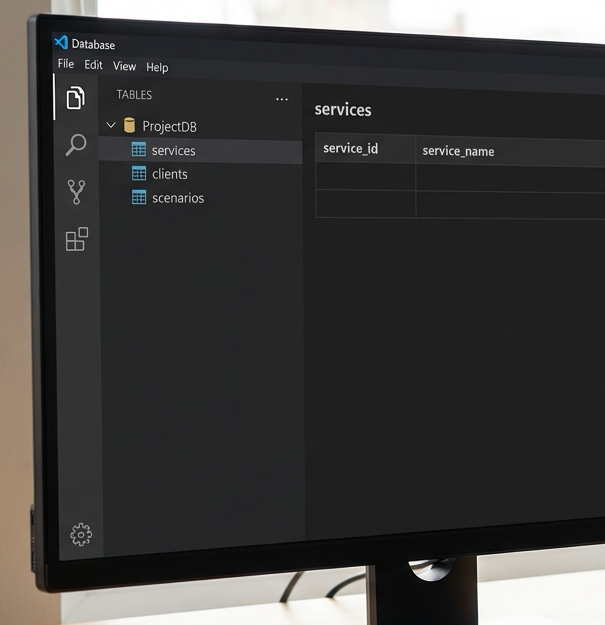
Tmock is positioned as an infrastructure‑level test tool: a configurable proxy that intercepts HTTP requests, decides how to handle them, and returns modified or fully mocked responses.
At its core, Tmock lets teams define three key concepts:
- Services
- Clients
- Scenarios
Together, they make it possible to:
- Keep the majority of traffic flowing to real upstream APIs.
- Override behavior on a per‑client basis for selected requests.
- Manage complex testing behavior through a visual interface.
Services: Grouping Backend APIs
A Service in Tmock represents a backend API (or a group of related APIs) that you intend to proxy. By encapsulating upstreams as services, teams can manage mocking rules centrally rather than scattering configuration across test code or proxies.
Typically mapped to:
- A distinct microservice (e.g. “user-service”),
- A third‑party API (e.g. payment provider, shipment carrier),
- Or a logical bundle of endpoints (e.g. “authentication services”).
Each service defines:
- The upstream base URL,
- Any default behavior for proxying,
- Security or header specifics (as needed by future extensions).
Clients: Targeting Specific Users, Devices, or Environments
A Client in Tmock is a logical definition of who is making the request. This is crucial for tailoring responses without affecting everyone.
Clients can be defined with flexible conditions, such as:
- Network identifiers
- Specific remote IP addresses
- CIDR ranges for subnets or environments
- Request metadata
- HTTP headers (with support for regular expressions)
- Other attributes available in the request
Conditions can be:
- Grouped and combined using logical operators:
- AND / OR for complex matching rules
- Example:
- IP in 10.10.0.0/16
- AND header X-Env: staging
- OR header User-Agent matching a specific device pattern
Typical use cases include:
- Identifying:
- QA testers,
- Dedicated test devices,
- Entire staging environments,
- Specific CI/CD test suites (e.g. by a custom header).
- Applying different mock behaviors for:
- Internal testers vs. external beta users,
- One test suite vs. another,
- One region or data center vs. another.
This client abstraction means you can run multiple test campaigns in parallel, each with its own behavior, on top of the same underlying services.
Scenarios: Controlling How
RequestsAre Handled
A Scenario defines how specific requests against a Service should be matched and how their responses should be altered or mocked. Scenarios are defined per-service, giving teams fine‑grained control over specific endpoints without impacting other parts of the system.
Match Conditions for the incoming request, such as:
- HTTP method (GET, POST, PUT, DELETE, etc.; all methods supported)
- Request path or pattern (e.g. /api/orders/:id)
- Optionally, other attributes (e.g. query params, headers, body conditions in future extensions)
Response Behavior, including:
- HTTP status code changes (e.g. return 500 instead of 200)
- HTTP header manipulation:
- Add headers (e.g. X-Debug-Scenario: delayed-response)
- Modify headers (e.g. change Cache-Control)
- Remove headers for negative testing
- Response body changes:
- Replace the entire body with a mocked payload
- Inject extra fields or strip sensitive data
- Full mocking (no upstream call):
- The request is not proxied at all
- Tmock returns a complete mocked response immediately
- Ideal for offline testing, simulating unimplemented features, or forcing specific error states
Assigning Behavior: Mapping
Scenarios to Clients
The key usability feature in Tmock is the ability to assign and enable specific scenarios for specific clients via the GUI.
In practice:
- A QA engineer defines several scenarios on a given service:
- Scenario A: Simulate a slow response (e.g. delay + 504 timeout).
- Scenario B: Force a 401 Unauthorized with a specific response body.
- Scenario C: Provide a fully mocked success response for a yet‑to‑be‑implemented endpoint.
- Multiple clients are defined:
- “CI pipeline” client: matched by a
X-Test-Run: ciheader. - “Mobile QA team” client: matched by a range of IPs + a device User-Agent regex.
- “Staging environment” client: matched by a CIDR and
X-Env: stagingheader.
- “CI pipeline” client: matched by a
- Through the GUI, the engineer:
- Assigns Scenario A to “CI pipeline” only,
- Assigns Scenario B to “Mobile QA team”,
- Leaves the “Staging environment” client mostly live, except for one endpoint using Scenario C.
As a result:
- The same codebase and same environment can exhibit different behavior depending on who is calling.
- No changes are required in the application code, test frameworks, or upstream APIs.
- Behavior can be changed, enabled, or disabled centrally from the Tmock GUI with immediate effect.
This model is well-suited for:
- Coordinating large integration test campaigns,
- Running controlled experiments on error handling and resilience,
- Supporting parallel teams who need different kinds of mocked behavior simultaneously.
Technology Stack and Architecture
Tmock is built with modern, open-source technologies:
Language: TypeScript
- Strong typing for maintainability and readability
- Shared types across API and (optionally) the GUI where relevant
Proxy / API Component:
- Handles all standard HTTP methods
- Terminates incoming requests from clients
- Applies service, client, and scenario logic
- Forwards requests upstream or synthesizes responses directly
GUI Application:
- Framework: Vue.js
- UI Library: Vuetify
- Based on Google’s Material Design specification
- Provides a clean, accessible, and consistent user experience
- Features:
- Service definition and management
- Client configuration with complex matching rules
- Scenario creation, editing, and assignment
- Enable/disable toggles and overview of active configurations
Planned Enhancements: Live Request Logging & Inspection
To further increase observability and debugging capabilities, Laposa plans to add:
Request Logging with Live Inspection
- Real-time view of incoming requests and outgoing responses through Tmock
- Filter by service, client, or scenario
- Inspect applied rules and modifications for each request
- Support for troubleshooting:
- Why a specific scenario was (or wasn’t) applied
- Which client definition matched
- How headers, status, and body were transformed
This will turn Tmock into not only a mocking proxy, but also a diagnostic and analysis tool for complex integration behavior.

Benefits
By introducing Tmock into test and staging environments, teams gain several advantages:

Realistic yet controllable environments
Use live services where possible, and selectively mock where necessary.
Faster and more reliable test cycles
Avoid external flakiness, rate limits, or downtime blocking test runs.
Improved coverage of edge cases
Simulate failures and unusual responses without needing backend changes.
Concurrent and isolated behaviors
Different teams, users, or environments can have different mock rules while sharing the same infrastructure.
Reduced maintenance overhead
Move away from scattered, code‑embedded mocks towards centrally managed, GUI‑driven configuration.
Open source and extensible
Built on widely adopted technologies, Tmock can be extended and integrated into broader testing and DevOps workflows.
Conclusion

Tmock transforms how teams approach integration and end‑to‑end testing in distributed, API‑centric systems. By acting as an intelligent HTTP mock proxy, it decouples test behavior from application code and from the limitations of upstream services.
With its TypeScript core, Vue/Vuetify UI, and flexible concepts of Services, Clients, and Scenarios, Tmock offers a powerful yet approachable way to orchestrate complex testing behavior across users, devices, and environments—paving the way for faster, more reliable, and more realistic testing workflows.